
How it works
From real life to a tracked expense.
Kaya removes the typing, the categorizing, and the math. However an expense happens, the AI turns it into a clean record you simply confirm.
-
 1
1Capture it your way
Type a quick note, snap a receipt, forward a bank email, tap with Apple Pay, or ask Siri. Every route takes plain language. There is no form to fill.
-
 2
2Kaya reads and understands
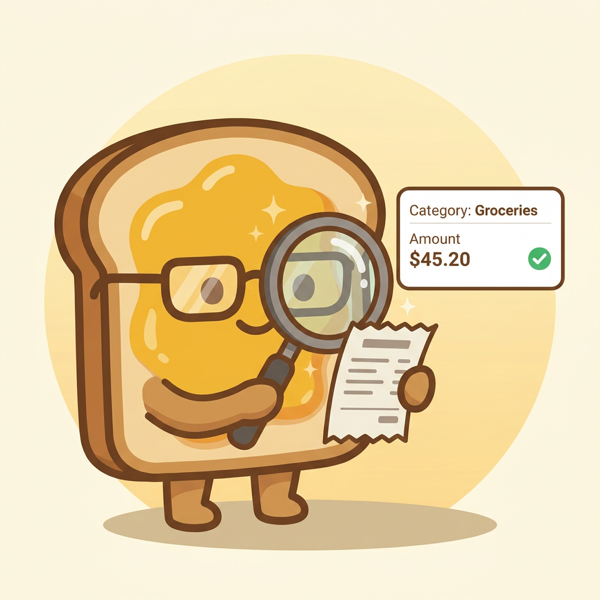
An AI agent powered by Gemini reads the amount, merchant, date, and currency. It picks the right category and account from your household, and converts foreign currency to your home currency.
-
 3
3You glance and confirm
Kaya shows you a clean, prefilled expense. Adjust anything, then save. Nothing is logged silently, so your books always stay yours.
-
 4
4See where the month landed
Home shows your net cashflow and top categories. Wealth shows net worth across accounts. History lets you search everything you have logged.
Five ways in
Capture however the spend happens.
- Type it “lunch 18 at maxwell, paid cash”
- Snap a receipt A photo becomes an expense you review
- Apple Pay Tap to pay, then a Shortcut logs it
- Forward an email Bank and merchant alerts parsed for you
- Ask Siri Add an expense by voice, hands free